Globe Router Models: Identify the Device Before You Log In
Globe uses or supplies different modem, router, ONU/ONT, LTE/5G CPE, and mesh devices. There is no universal Globe model, login IP, username, or password. Identify the manufacturer and exact model on the physical label, read the active default gateway, and use the management method supported by that device and firmware.
This page separates confirmed facts from community-reported model associations. It does not publish unverified superadmin credentials.
Find Your Globe Router Model
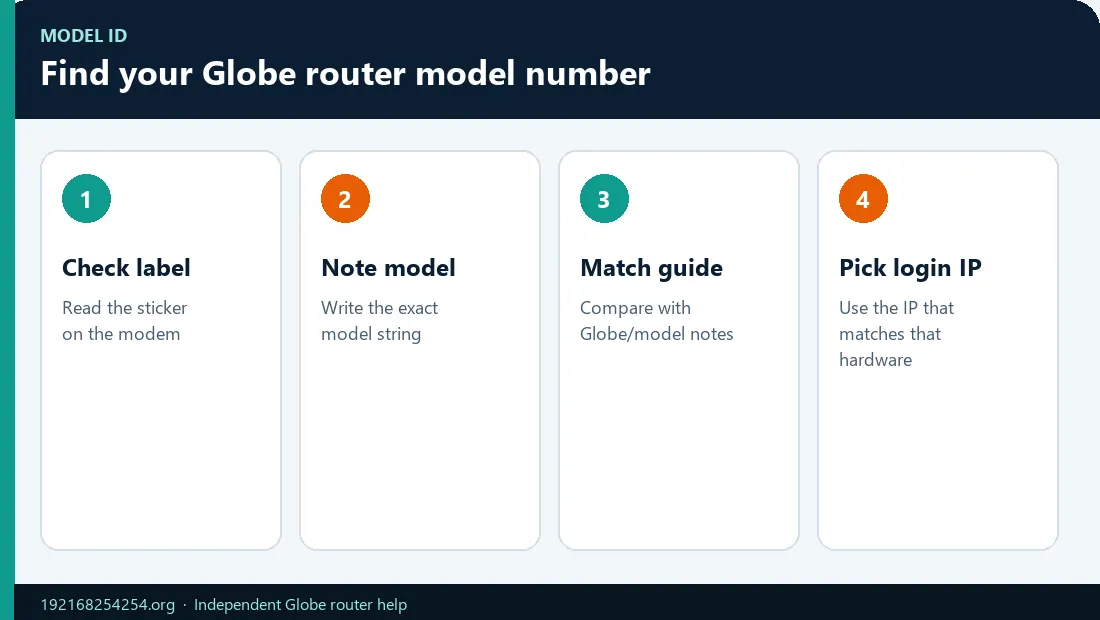
Look on the back, bottom, side, removable cover, or device screen for:
- Manufacturer or brand: Huawei, FiberHome, ZTE, Tozed, or another vendor
- Model / Model Name: for example, EG8145V5 or EG8145X6-10
- Hardware version or revision
- SSID / WLAN Name
- WiFi Password / WLAN Key
- Modem IP / Web UI / Login address
- Default Username / Login Password
- Serial number, IMEI, or MAC address
Do not publish a photo of the whole label. Cover passwords, keys, serial numbers, IMEI, QR codes, MAC addresses, and account identifiers before sharing a model photo.
Globe's current Home Prepaid WiFi setup article says its modem sticker can contain the Home Prepaid WiFi number, SSID, password, modem IP, default username, and WLAN key.
Verified Globe and Manufacturer Information
The table uses three evidence states:
- Official Globe: Globe directly documents the product or workflow.
- Manufacturer verified: The manufacturer confirms the model and technical category, but the page does not prove every unit is Globe-issued.
- Reported / verify locally: Search demand and Philippine community/third-party material associate the model with Globe, but the label and active gateway must decide the login facts.
| Device or family | What is verified | Management/login guidance | Evidence state |
|---|---|---|---|
| Globe Home Prepaid WiFi, supported units | Globe documents device-label details and dashboard access | Use the IP/hostname and default login printed on the modem; supported instructions use 192.168.254.254, while another Globe workflow uses globebroadband.net |
Official Globe |
| Globe At Home 5G WiFi | Globe documents screen-led setup, QR/SIM registration, 5G number, and OTP flow | Start with the device screen and current Globe 5G instructions; do not assume a legacy LTE dashboard | Official Globe |
| HUAWEI AX3 Dual-Core WiFi 6 Mesh | Globe documents the AX3 as a mesh product and uses the HUAWEI AI Life app | Manage the mesh through the app; it is not automatically the upstream Globe ONU/ONT | Official Globe |
| Huawei EchoLife EG8145V5 | Huawei identifies it as a routing-type GPON ONT | Check the installed unit's label, Globe firmware, and gateway; manufacturer identity alone does not confirm the Globe login | Manufacturer verified |
| Huawei OptiXstar EG8145X6-10 | Huawei identifies it as a GPON WiFi 6 routing-type ONT with 2.4/5 GHz capabilities | Use the installed label/active gateway; Globe advertises WiFi 6 service equipment but does not make one universal public credential claim | Manufacturer verified; Globe deployment must be confirmed locally |
| ZLT S10G | Queries and Philippine videos/community posts associate it with Globe Home Prepaid WiFi | Verify the label, firmware, gateway, and login on the physical unit before following instructions | Reported / verify locally |
| Huawei B310/B312/B315/B535 LTE CPE families | These are Huawei CPE families; older Philippine guides and marketplace listings associate variants with Globe | Different variants can use different gateway addresses; do not group them under one login | Reported / verify exact variant |
| FiberHome HG6245D/HG6145-series ONTs | Third-party Philippine guides associate variants with Globe fiber installations | Treat menu paths and credentials as firmware-specific; use label and Globe support | Reported / verify locally |
| Tozed Home Prepaid WiFi units | Globe retail/partner listings have sold Tozed-branded Home Prepaid WiFi hardware | Read the exact model and label; do not infer credentials from a Huawei or ZLT guide | Product-family evidence; model details must be verified |
This verification approach avoids a common error in router-login pages: listing every manufacturer beside 192.168.254.254 and implying that all listed models use one gateway and password.
Globe WiFi 6 Modem: What the Term Means
“Globe WiFi 6 modem” describes a service device with WiFi 6 capability, not one permanent model number. Globe's current broadband page advertises a Globe WiFi 6 Modem, but installed hardware can change by plan, location, stock, and deployment period.
WiFi 6 describes the wireless generation. It does not by itself tell you:
- the manufacturer or model;
- whether the device is an ONU/ONT, router, CPE, or mesh node;
- the local management IP;
- the admin username/password;
- whether advanced controls are available to the customer role.
Huawei officially describes the EG8145X6-10 as a GPON and WiFi 6 routing-type ONT. That verifies the hardware category. The label and Globe installation determine whether this is the unit in your home.
Router, Modem, ONU/ONT, CPE, and Mesh Are Different Roles
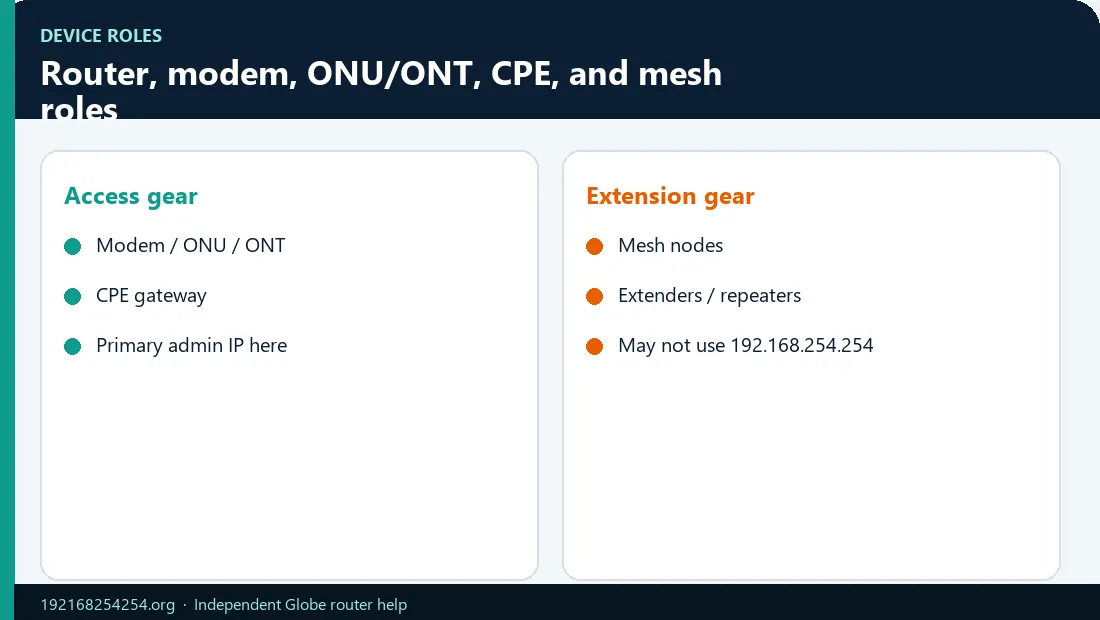
| Term | Role in a Globe home network |
|---|---|
| Router | Routes traffic between the local network and another network; often supplies DHCP and WiFi |
| Modem-router | Combines service termination and routing functions in one box |
| ONU/ONT | Terminates a fiber-optic connection and can also provide routing, LAN, phone, and WiFi |
| LTE/5G CPE | Connects to a mobile network and shares service through WiFi/LAN |
| Mesh router/node | Extends or owns a unified WiFi system; often managed through an app |
| Access point/extender | Provides or repeats WiFi but may not be the default gateway |
The device broadcasting your SSID is not always the same device that terminates Globe service or owns the default gateway. This matters when a mesh system or personal router is installed behind the Globe ONU/ONT.
How to Determine the Correct Login IP
If the address on the label does not open, use the guide to fix 192.168.254.254 when the wrong gateway is used before changing any ISP settings.
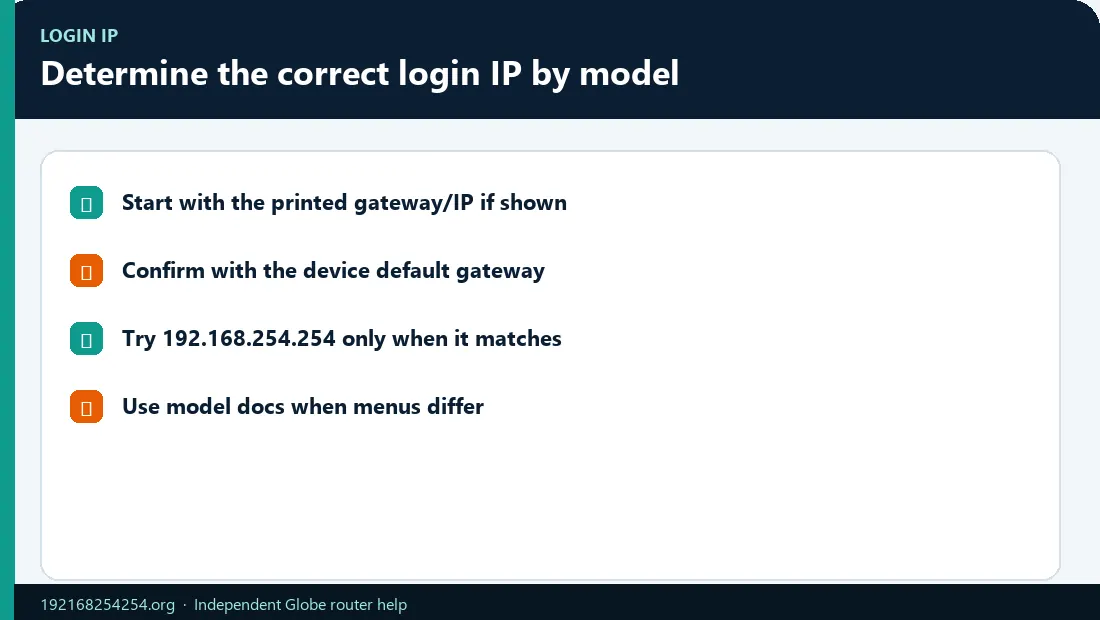
Use these sources in order:
- The Modem IP / Web UI printed on the installed device
- The active Default Gateway / Router value on a connected phone or computer
- Current Globe instructions for that product family
- The official manufacturer manual for the exact model and revision
Common addresses shown in third-party Globe guides include 192.168.254.254, 192.168.100.1, 192.168.18.1, and model-specific alternatives. Their existence is not a reason to try them randomly. The active gateway is the best current evidence for the first router handling the device's traffic.
Use how to find your router IP and default gateway for Windows, Mac, Android, iPhone/iPad, and Linux.
Interface Families and Menu Translation
Once you are inside the matching interface, you can also see connected devices on Globe WiFi under Client List, DHCP Clients, or a similar menu name.
Different firmware can use different words for the same task:
| Task | Possible menu names |
|---|---|
| Change WiFi name | SSID, WLAN Name, Network Name, Basic Settings |
| Change WiFi password | WiFi Security, WLAN Security, Pre-Shared Key, WPA Key, Passphrase |
| View clients | Connected Devices, Client List, Associated Devices, DHCP Clients, LAN Hosts |
| Block a device | Access Control, Blacklist, Deny List, MAC Filter, Device Management |
| Restart | Reboot, Restart, System Tools, Maintenance |
| Change admin password | Account, Administration, User Management, System |
The presence of a similar menu name does not make steps from another model interchangeable. Save one change at a time and avoid WAN/optical/voice settings unless you have authoritative instructions.
Why Credentials Differ by Model and Firmware
If a forgotten password cannot be recovered from the label or an existing session, read how to restart or factory-reset a Globe router safely before pressing Reset.
Router authentication can be determined by:
- manufacturer defaults;
- ISP-customized firmware;
- a unique password printed on the label;
- installation-time configuration;
- user, admin, and support roles with different permissions;
- a password previously changed by the household owner.
For this reason, this model hub does not publish one “Globe admin password” table. Use the label-first credential decision guide.
Model-Specific Login Workflow
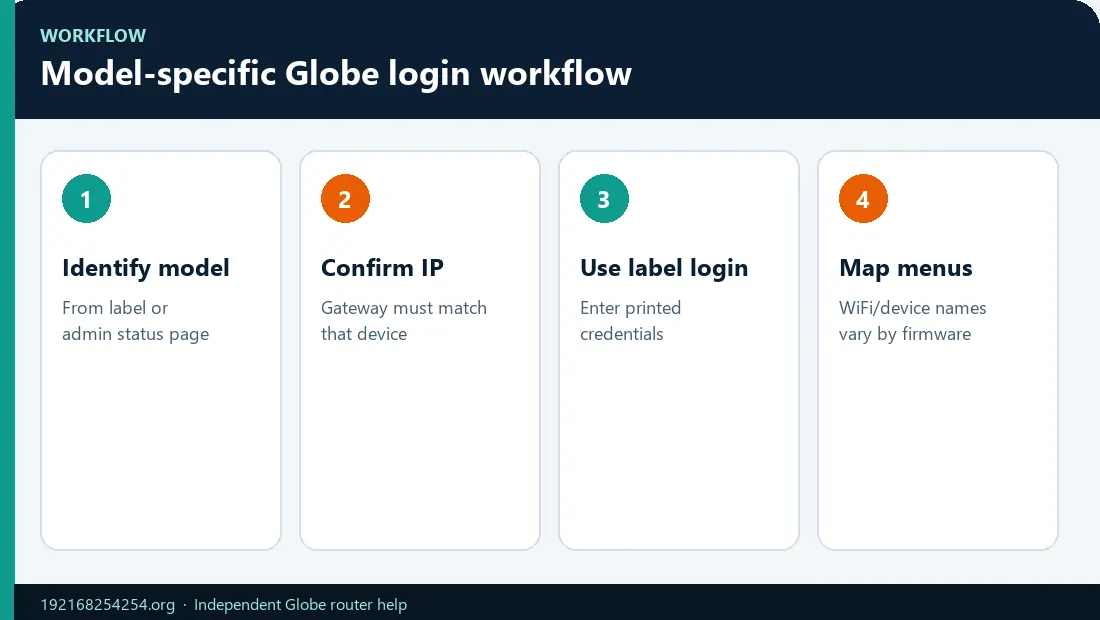
After the dashboard opens on the correct device, you can change the Globe WiFi password after you reach the dashboard without guessing menu names from another model.
- Read and record the manufacturer, model, and hardware revision.
- Connect to that device's primary network or LAN.
- Read the active default gateway.
- Compare it with the label's Modem IP/Web UI value.
- Open the matching address in a browser, or use the official app/screen workflow.
- Use the label/verified model credentials.
- Confirm the interface identifies the expected device.
- Stop if the page belongs to a different router or if the instructions require unsupported service credentials.
For supported Home Prepaid WiFi, continue with the Globe router login guide.
When a Model Deserves Its Own Page
A model-specific guide should be published only when these facts are verifiable:
- Globe deployment or a clearly scoped Philippine service context
- exact manufacturer and model
- gateway or management method
- interface/firmware family
- credential evidence source without exposing private or unauthorized access
- menu path for the task
- reset consequences and support boundary
- source and last-checked date
Search volume alone does not justify a page that repeats unverified credentials. Until the evidence exists, the model belongs in this hub with a clear verification status.
If Your Model Is Not Listed
That does not mean it is unsupported or fake. Globe can change device stock and firmware. Use the exact label and:
- search the manufacturer support site for the model;
- check current Globe broadband/help pages;
- read the active default gateway;
- compare the login-page branding with the label;
- contact Globe with the model, service type, and indicator state.
Do not post the full label or accept a stranger's request for remote access, an OTP, a configuration backup, or a superadmin password.
Frequently Asked Questions
What router models does Globe use?
Globe has used multiple Home Prepaid WiFi, fiber ONU/ONT, LTE/5G CPE, and mesh products from different manufacturers. The installed model depends on service, plan, location, stock, and installation date.
Is the Globe WiFi 6 modem Huawei?
Some Philippine users report Huawei WiFi 6 ONTs, and Huawei officially makes models such as the EG8145X6-10. Globe's public “WiFi 6 modem” description does not guarantee one model for every installation.
Does Huawei HG8145V5 use 192.168.254.254?
Do not assume so from the model name alone. Check the Globe-customized label and active default gateway. Generic HG8145V5 information may use a different address or firmware.
Is ZLT S10G a Globe router?
It is associated with Globe Home Prepaid WiFi in Philippine search and community material, but login facts must be verified on the installed device label and firmware.
Why is my Globe gateway 192.168.100.1 instead of 192.168.254.254?
Different models and configurations use different LAN subnets. Use the active gateway rather than changing it to match a generic guide.
Can two identical models show different menus?
Yes. Firmware version, ISP customization, hardware revision, and login role can change the interface and available controls.
Where is the model number?
Usually on the back or bottom label, sometimes beneath a removable cover or in the device screen/system-information page.
Is the Huawei AX3 my Globe modem?
The AX3 can be a Globe-provided mesh device, but it may sit behind a separate modem/ONT. Globe manages its documented setup through the HUAWEI AI Life app.
Sources and Evidence Status
- Globe: Broadband and WiFi 6 modem
- Globe: Home Prepaid WiFi setup and label contents
- Globe: Home Prepaid WiFi dashboard at 192.168.254.254
- Globe: Alternate Home Prepaid WiFi dashboard workflow
- Globe: HUAWEI AX3 WiFi 6 Mesh
- Globe: 5G WiFi help
- Huawei: EchoLife EG8145V5
- Huawei: OptiXstar EG8145X6-10
Community and third-party associations are used only to identify model demand. They are not treated as authority for credentials or destructive procedures.
Last reviewed: 2 October 2026